2025 lab sideupgrades!
Luckily all I had to do was swap the storage drives into the new boxes, because I definitely didn’t have time to do it the right way lol.
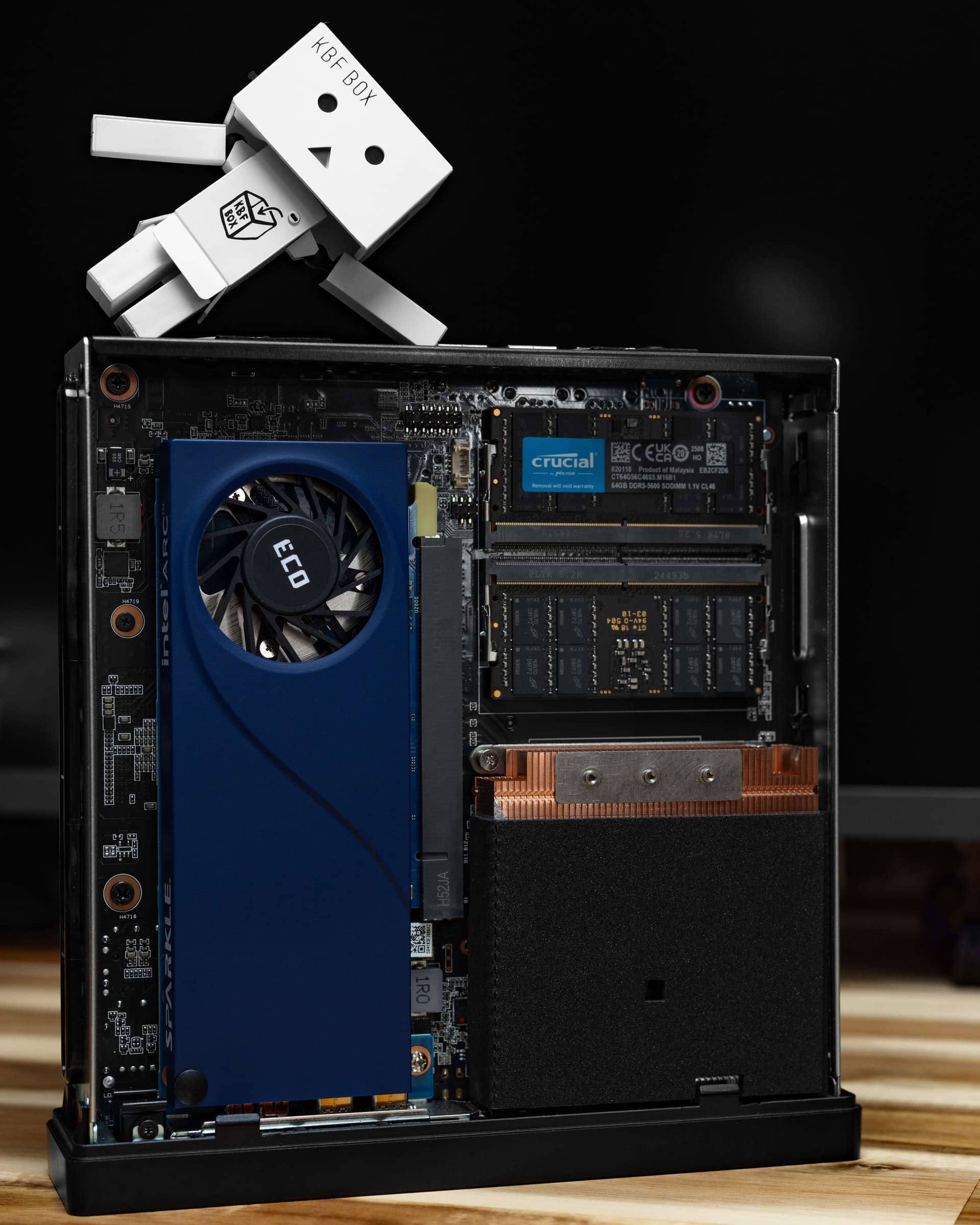
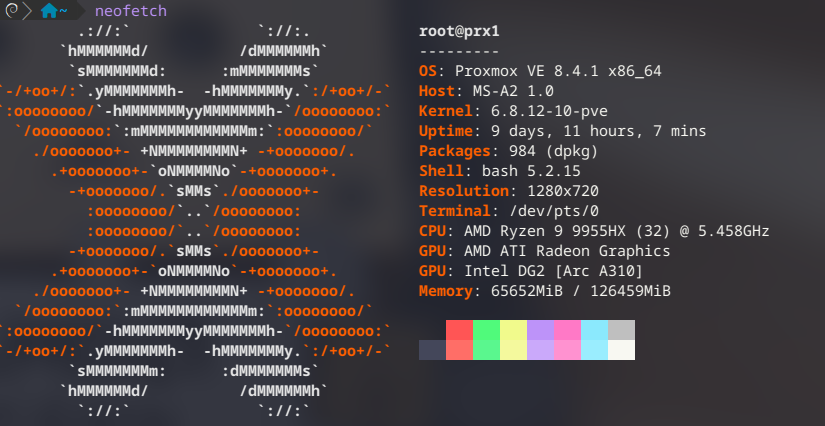
Replaced with:
System - Minisforum MS-A2
CPU - AMD Ryzen 9 9955HX
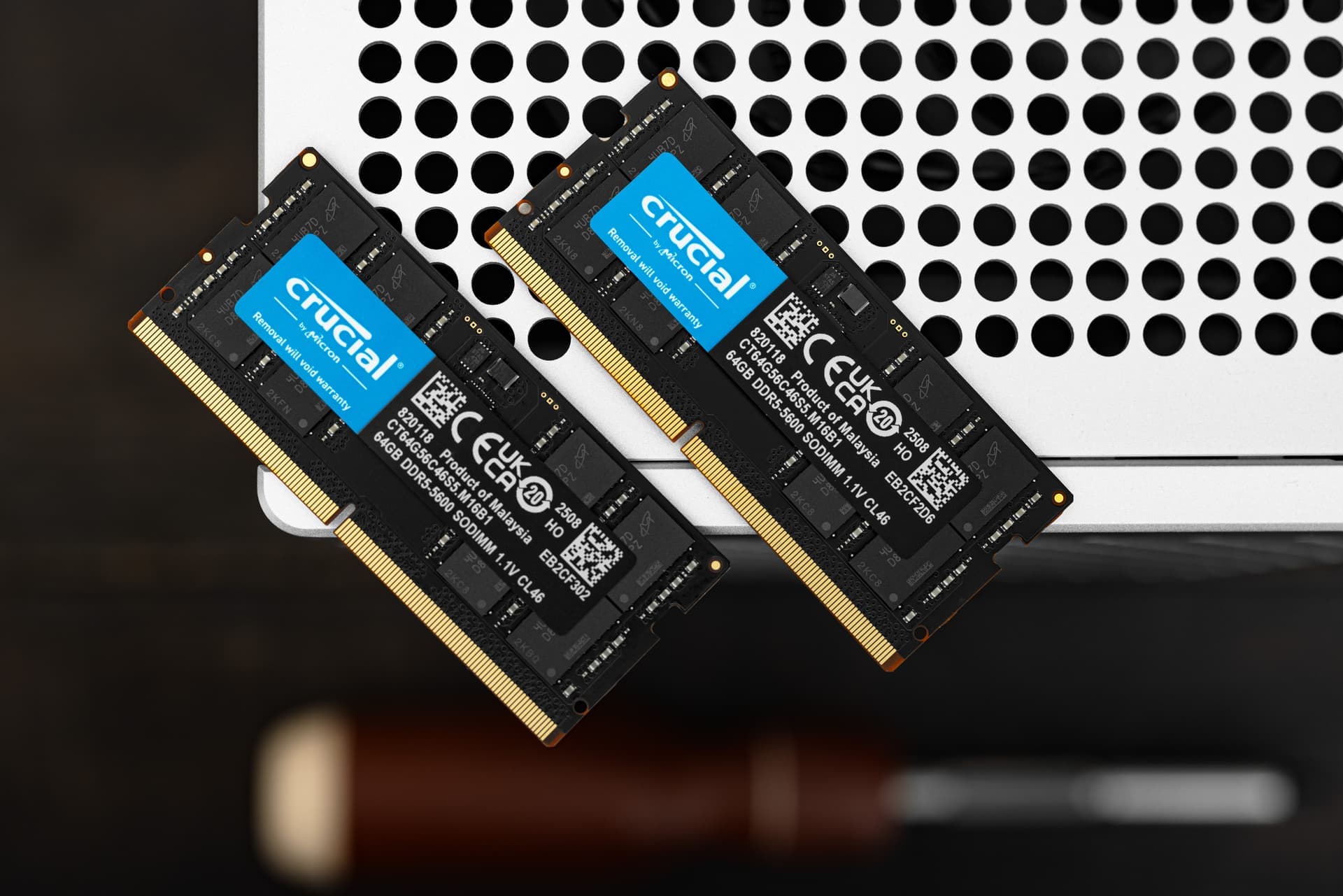
RAM - Crucial 128GB (2x64GB) DDR5 5600
Storage - 2x 4TB Silicon Power XS70
GPU - Sparkle Intel ARC A310
NIC - Intel X710 SFP+ x2 (Onboard)
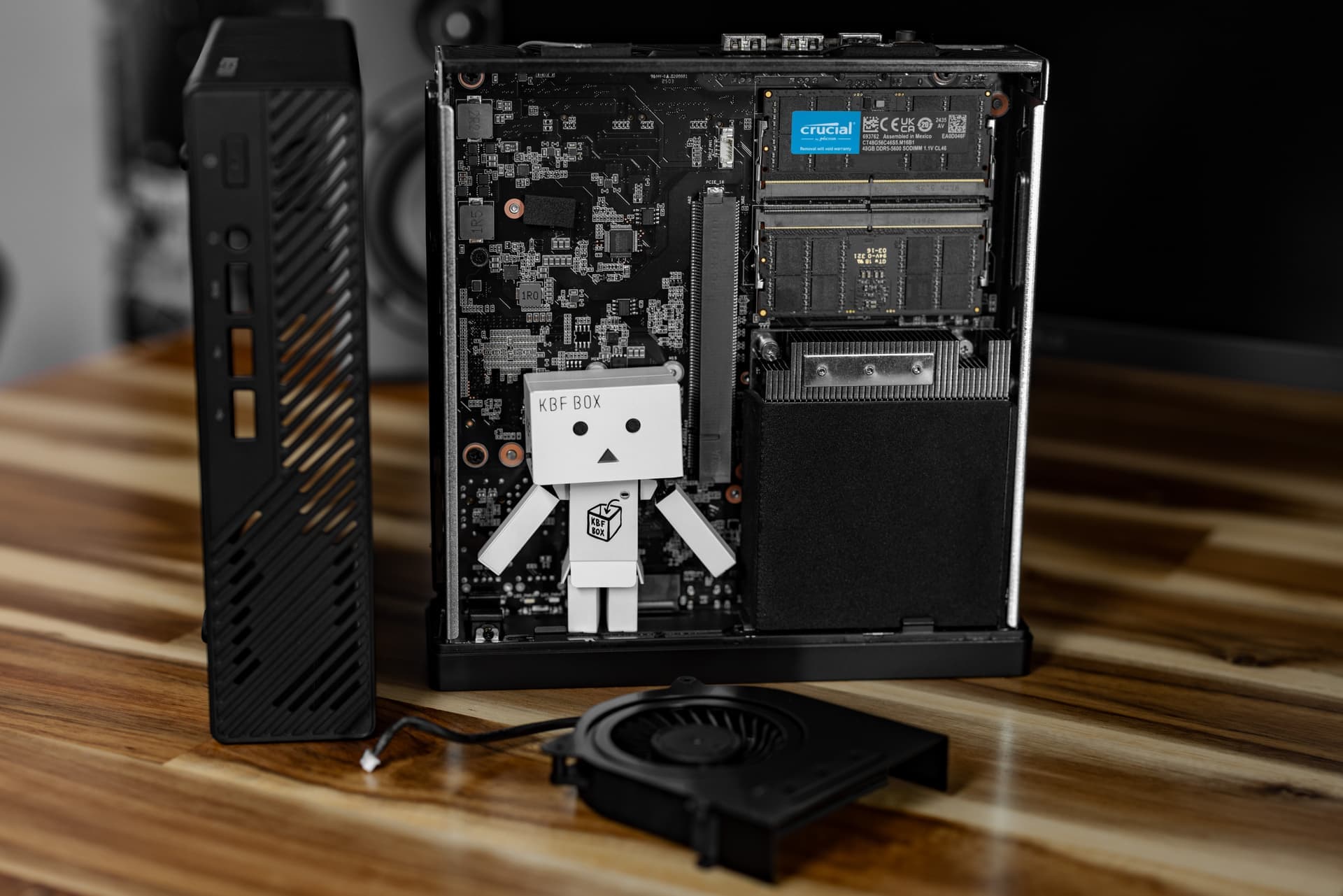
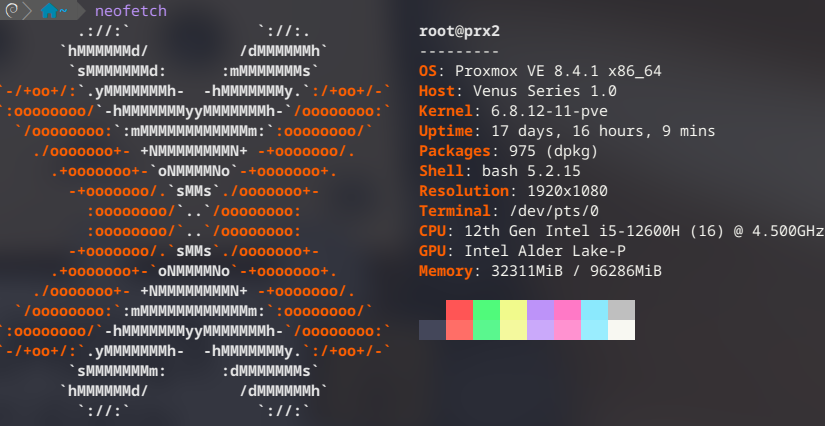
Replaced with:
System - Minisforum MS-01
CPU - Intel Core i5 12600H 12 Core
RAM - Crucial 96GB (2x48GB) DDR5 5600
Storage - 2x Crucial P5 Plus 2TB NVMe SSD
NIC - 4x Intel i226-V
I’ve been a Minisforum enjoyer since day 1. Long before the liquid metal debacle that kinda put them in the spotlight. They’re a smallish group that you can tell loves to push boundaries. That said, sometimes these boundaries cause RMA issues, so I waited a while before putting all of my trust into the MS series. Now a few generations in, I am glad I let them sort out the rough spots.
Why did I upgrade PRX1 from a 7945HX to a 9955HX? Shhhhh… never ask a homelabber why.
Why did I upgrade PRX2 from an N305 to a 12600H? Ok, I have a good reason for this one, so it’s fine to ask! I have a good chunk of low power services on PRX2. The N305 was doing an absolutely fantastic job. The 48GB of RAM limit? (built before 64GB DIMMs) Not so much. So PRX1 got an upgrade to 128GB and its 96GB kit went into PRX2. Getting a 10 gig upgrade (again) is nice too. I told myself it was fine when I consolidated my lab a few years ago… but I quietly hated it.
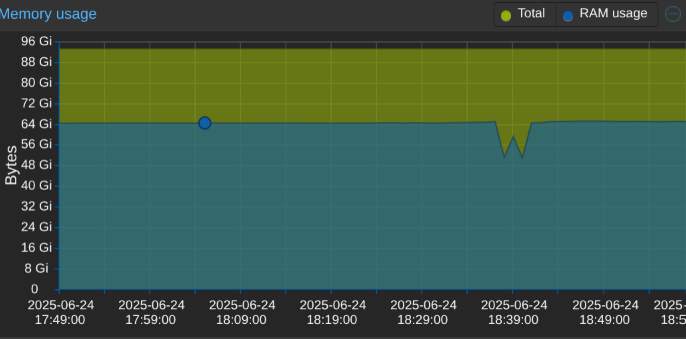
The upgrade paid off very quickly.
The second benefit to upgrading PRX2 was moving my Plex setup. My QNAP TS-877 went into semi-retirement when I moved my Plex storage server to a MUCH larger NAS with 103TB of usable space. I pulled all the drives, but couldn’t shut it down because I didn’t have time to redo my Plex server. Moving my Plex server to PRX2 means I get to shut down the not so efficient Ryzen 2700 and RTX A2000 combo.
Thanks to the lovely folks over at Helper-Scripts, I was able to get an LXC up and running in no time. This allowed for absolutely painless iGPU passthrough to let Intel QuickSync handle Plex transcodes. Mapping my existing shares from the data NAS was also a breeze thanks to someone already having done the work and documenting it. I went the route of making the Plex LXC unprivileged to keep things security-friendly. The biggest challenge in the migration was moving everything over. I very quickly learned I had 100GB of metadata in Plex. All those tiny files took forever.
When I moved my Plex server from Windows to QNAP in 2017, it made a mess. The library nuked itself, then re-added everything, causing quite the jumble. This time I actually followed instructions… I will continue to tell myself this article didn’t exist back then.

Seeing QuickSync’s transcoding superpowers with my own eyes was something else. I knew it was amazing because I use it all the time in Adobe Premier, but seeing an iGPU do something a full size GPU can find challenging is always dope.
The QNAP TS-877 also hosted my Roon server and Tautulli server. I moved Roon to a different QNAP, only needing to move the (thankfully portable) SQLite database. Moving Tautulli was similarly simple, only needing to export and import the databases.
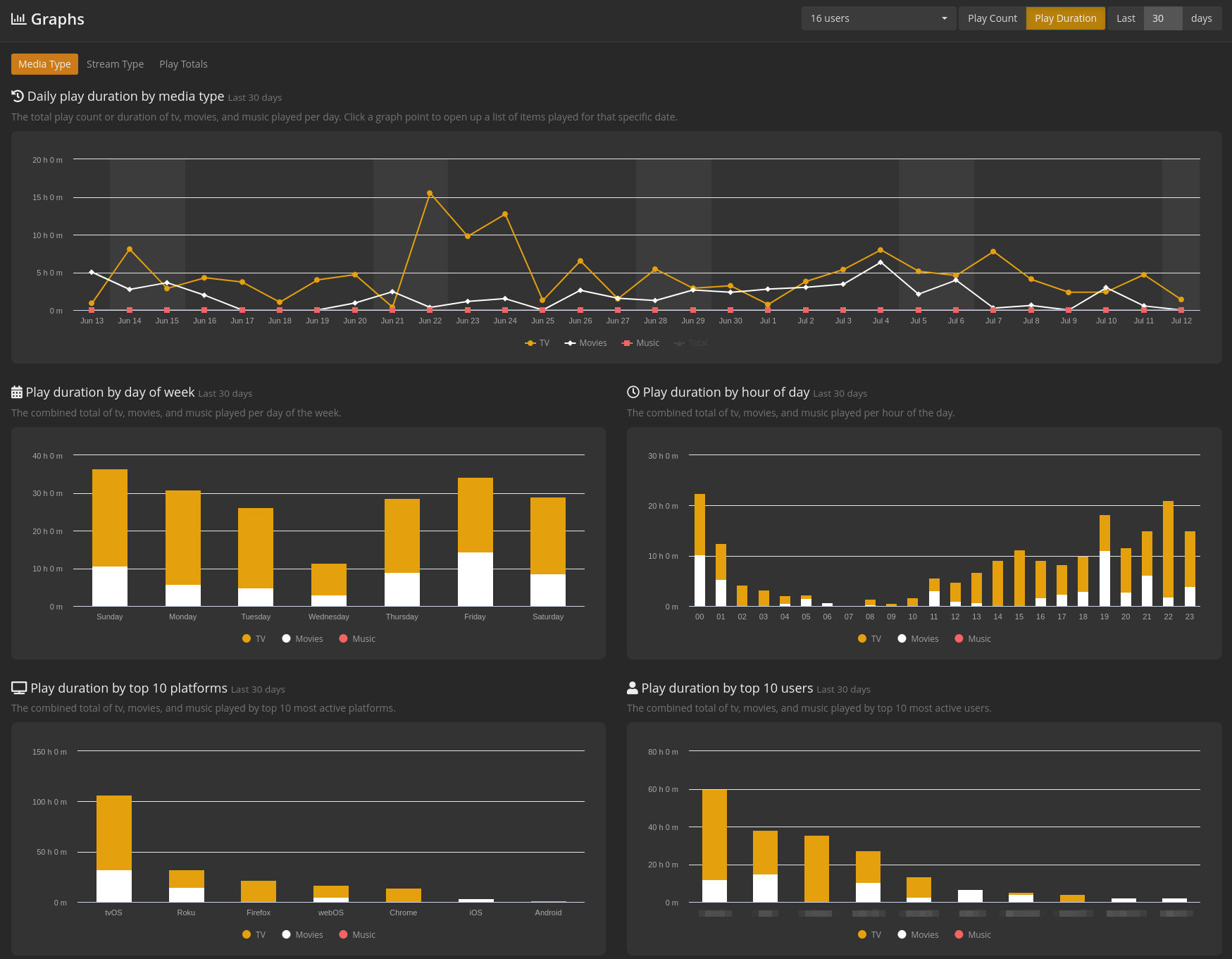
Tautulli is amazing for a stats nerd like myself. It also makes it easy to get rid of things no one is watching anymore, and when best to perform maintenance that would be disruptive.
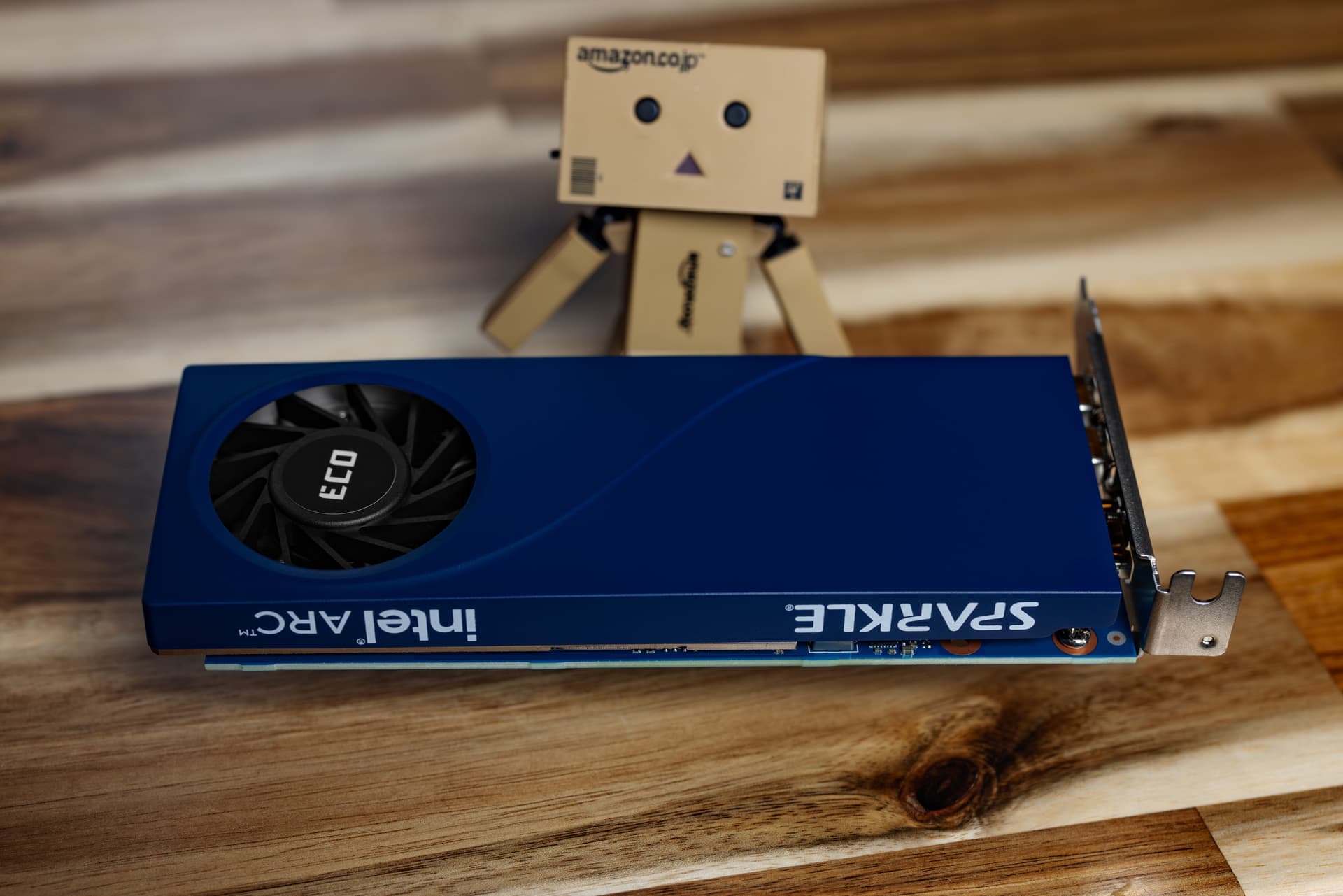
I purchased the Sparkle A310 for 3 reasons. The first reason is because I walked past it at Micro Center and it was adorable. The second is because I didn’t really trust QuickSync before trying it. The third is because I want to give Jellyfin a proper try on PRX1. I could probably run both on the low power, but there’s A LOT more production stuff on there I don’t want to bother.
Unintended Plex rant on why my interest in Jellfyfin is renewed...
Plex has done a LOT of unfavorable things lately. First they killed off Watch Together, something my family used regularly. Shortly after this they raised prices and changed how things work. I perfectly understand why they did this. Plex pricing has not changed the entire time I’ve used it, but the price of resources has. The changes to remote playback were also important to fight abuse of the platform by people reselling datacenter hosted libraries to make money. I have no issues with what they did, just how much is changing over such a short span.

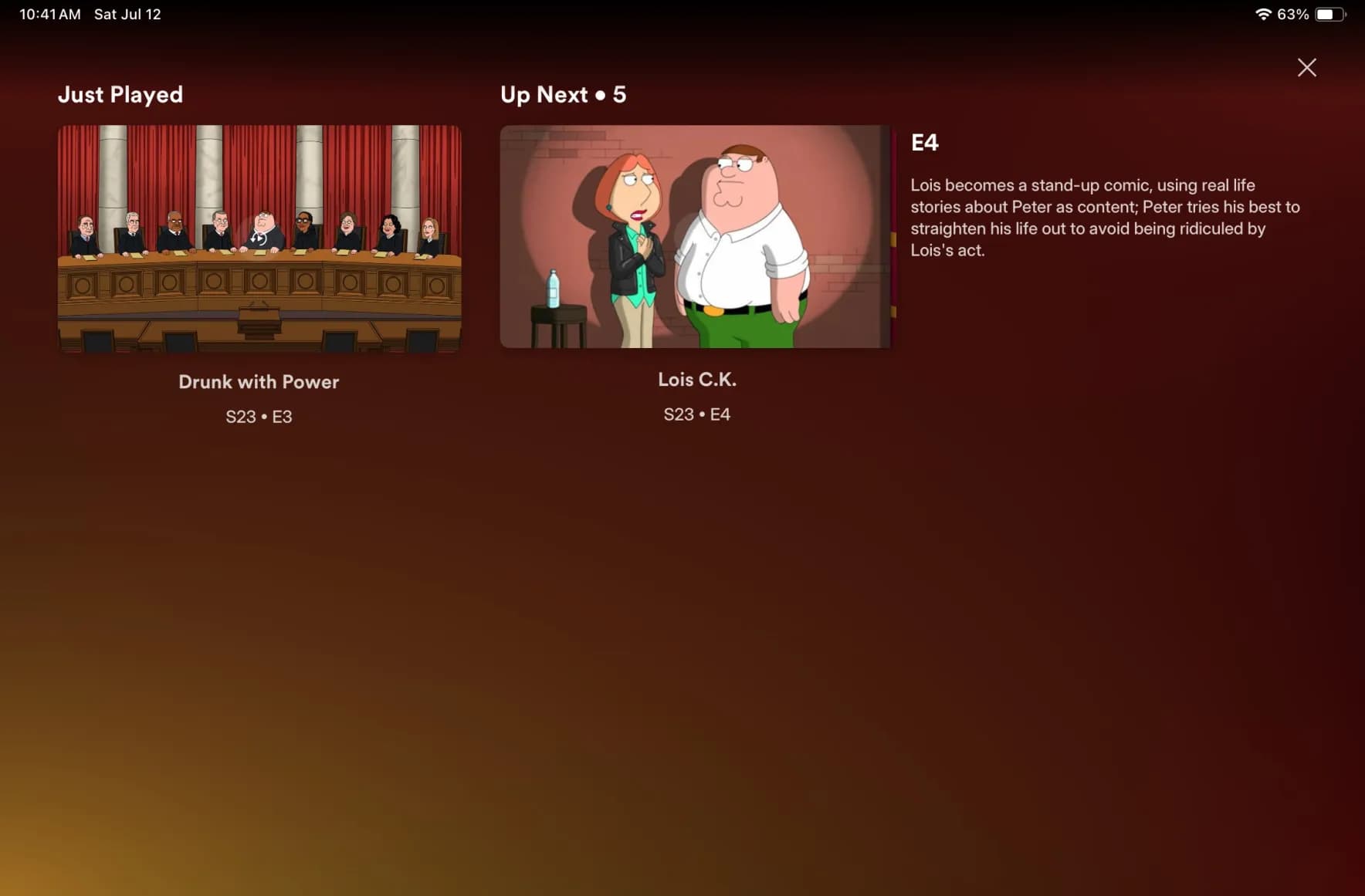
Lastly, the app re-design. It’s buggy. Half the time things freeze between episodes, the timeline now moves when you try to navigate, so watching things in bed is infuriating.. ugh. The new metadata display looks amazing, but what is the point when the UI sucks? We lost watch together for this?!?!?!?
Decreasing my Windows footprint
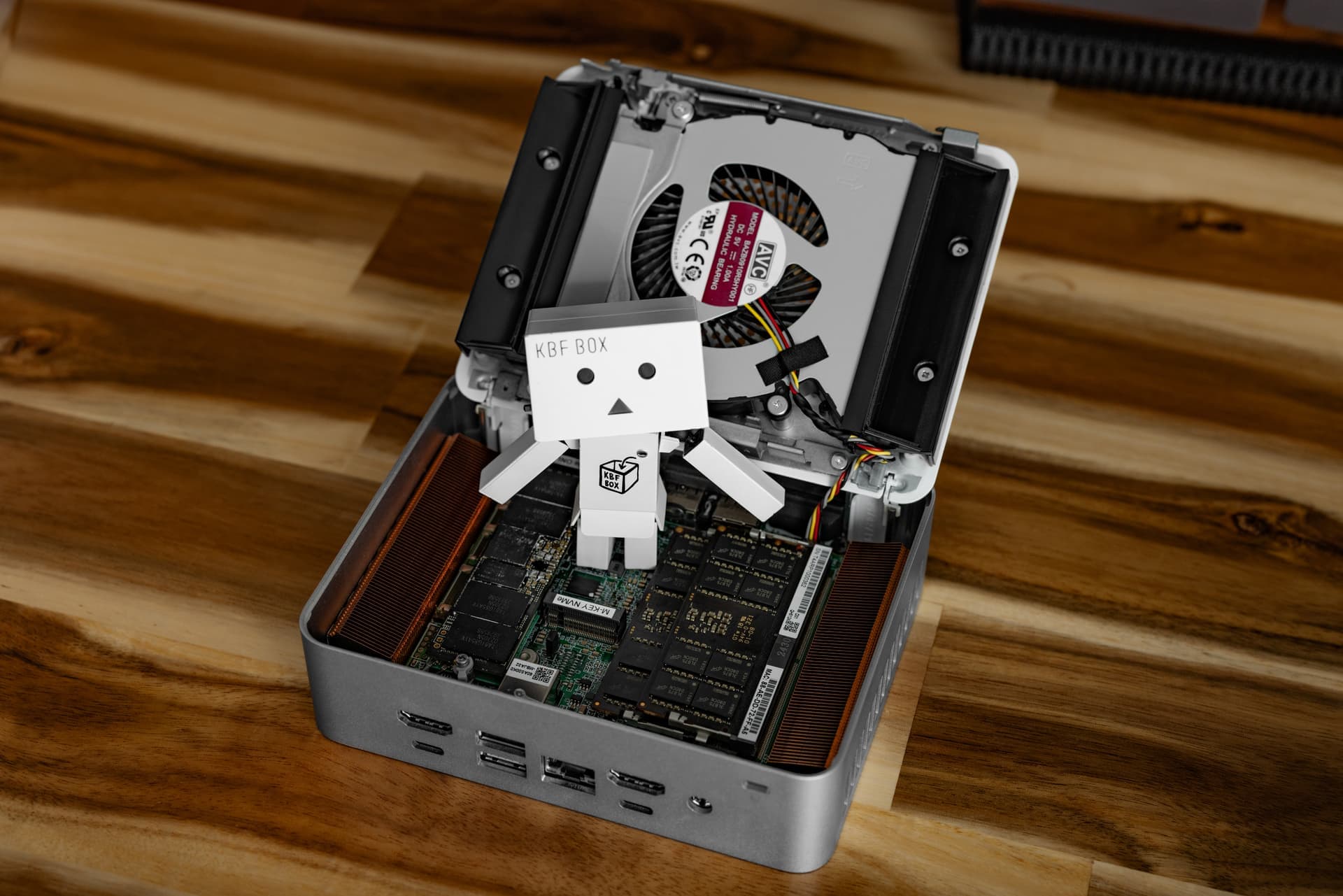
System - ASUS NUC 15 Pro+
CPU - Intel Series 2 Core Ultra 5 255H
RAM - Crucial 96GB (2x48GB) DDR5 5600
Storage - 1x Corsair MP600 XT 8TB NVMe SSD
NIC - Intel i226-V 2.5GbE
At some point I’ll write a long format piece about why I switched to Linux. Some of it is covered the the build log for Togami, the PC I built to facilitate that transition. That PC replaced Blackhaus and I moved that Windows install into a Beelink GTR7 Pro much like the one further up in this thread.
Moving to the GTR7 Pro for the rare occasions that I needed Windows was working well until it wasn’t. For some reason the power draw was high, even at idle. Somewhere between 40-60 watts. I also ran into constant issues with AMD drivers. Also, I just wanted to give that 7840HS a better role.
My Windows PC contains the last few hold outs. These days I use my M2 Ultra Studio for Adobe things, but it handles iSCSI TERRIBLY and only has a 1TB SSD. This will be fixed pretty soon when my PolySoft 8TB SSD upgrade ships, but the shop that makes them is SWAMPED. For now, anything pre-2023 is on an 18TB iSCSI share via Windows. I also have a few work related programs that require having Windows readily accessible.
I tested iSCSI in a Proxmox VM, and it wasn’t always happy. Earlier in this thread I tried running a VM with GPU passthrough to replace a dedicated PC, but adding it to my high power Proxmox server drove power usage up quite a bit. So… a standalone PC that is very efficient would be a great compromise. I like the idea of it being physically separate more than I like the idea of a VM anyway. It helps justify my Level1Tech 4x PC Dual Monitor KVM. 
Since I only need the bare minimum of what Windows has to offer, I chose to use the LTSC variant of Windows 11. The only thing you need to eject is “the new Outlook” and you’re good.
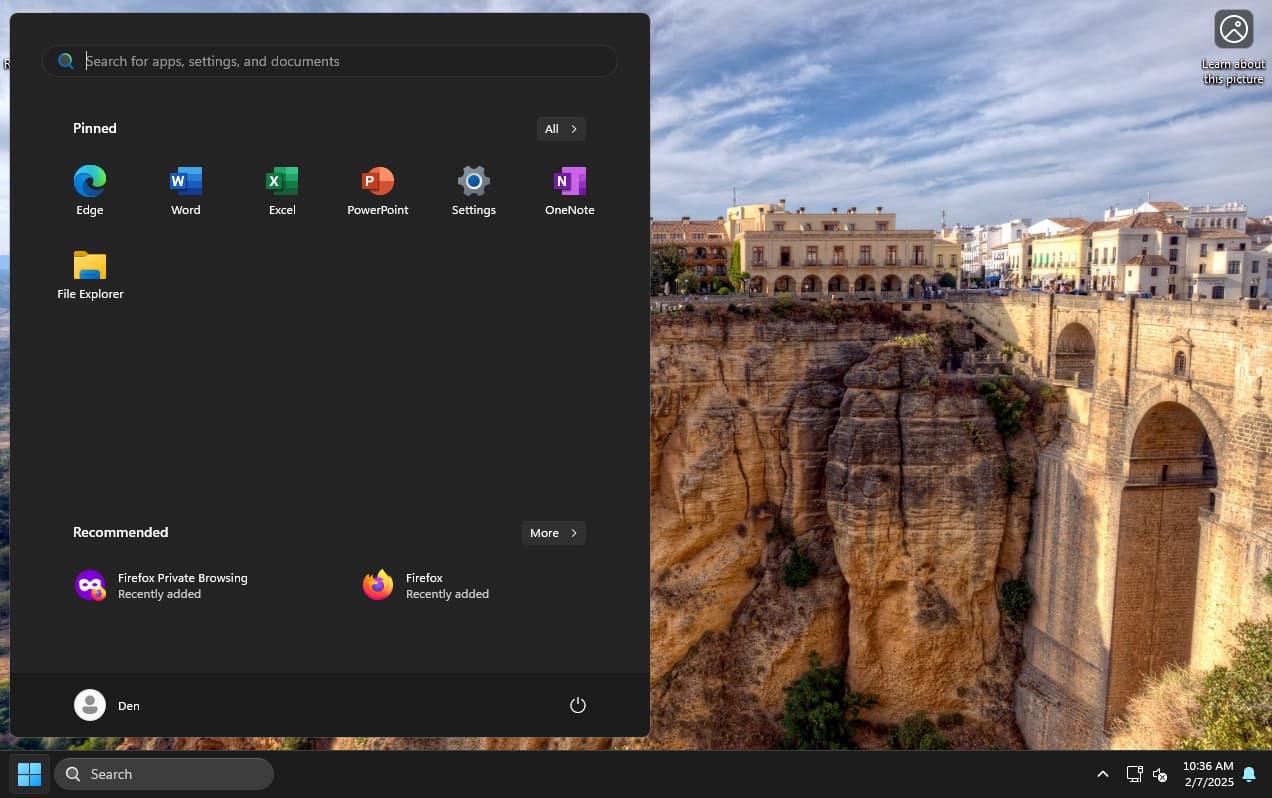
It’s so clean and free of botched Microsoft experiments that it almost makes me want to use Windows again lol. They’ll find some way to screw it up though, I know it. I of course had to disable modern standby because it would put the computer to sleep no matter what I did to disable every sleep and hibernation settings. Even disabling monitor shut off is quickly ignored. I do miss dark mode Notepad, but I’ll take being blinded over Copilot Notepad any day.
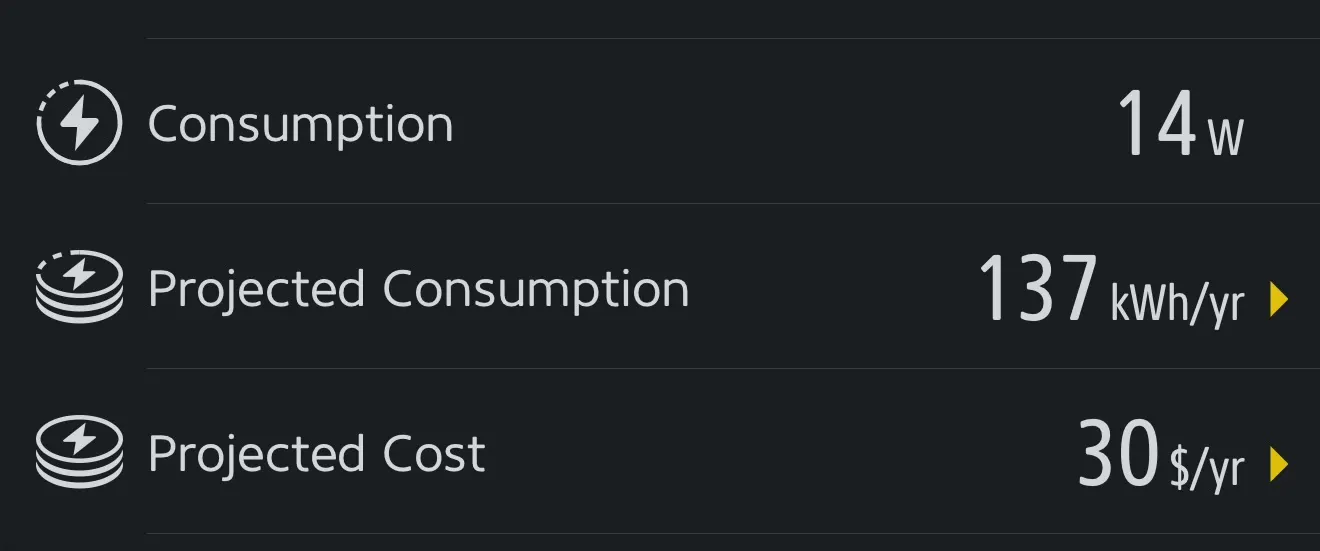
Power draw is just 14-17 watts during normal use, and 4W idle. It’s nice to see ASUS keeping the NUC spirit alive. I’ve had many generations of the NUC over the years and am glad to see it still lives up to being the grandfather of modern mini PCs.